meet travelers, and a smart assistant keeps you safe
Seatlr is a social network for travelers worldwide: enter your flight number and instantly join a chat room with everyone flying to your city, with an AI assistant that recommends hotels, restaurants and the best places to visit, plus flight and booking alerts delivered in scheduled updates several times a day, protecting you from surprises.


online now
online now
online now
online now
From a flight number to a whole community
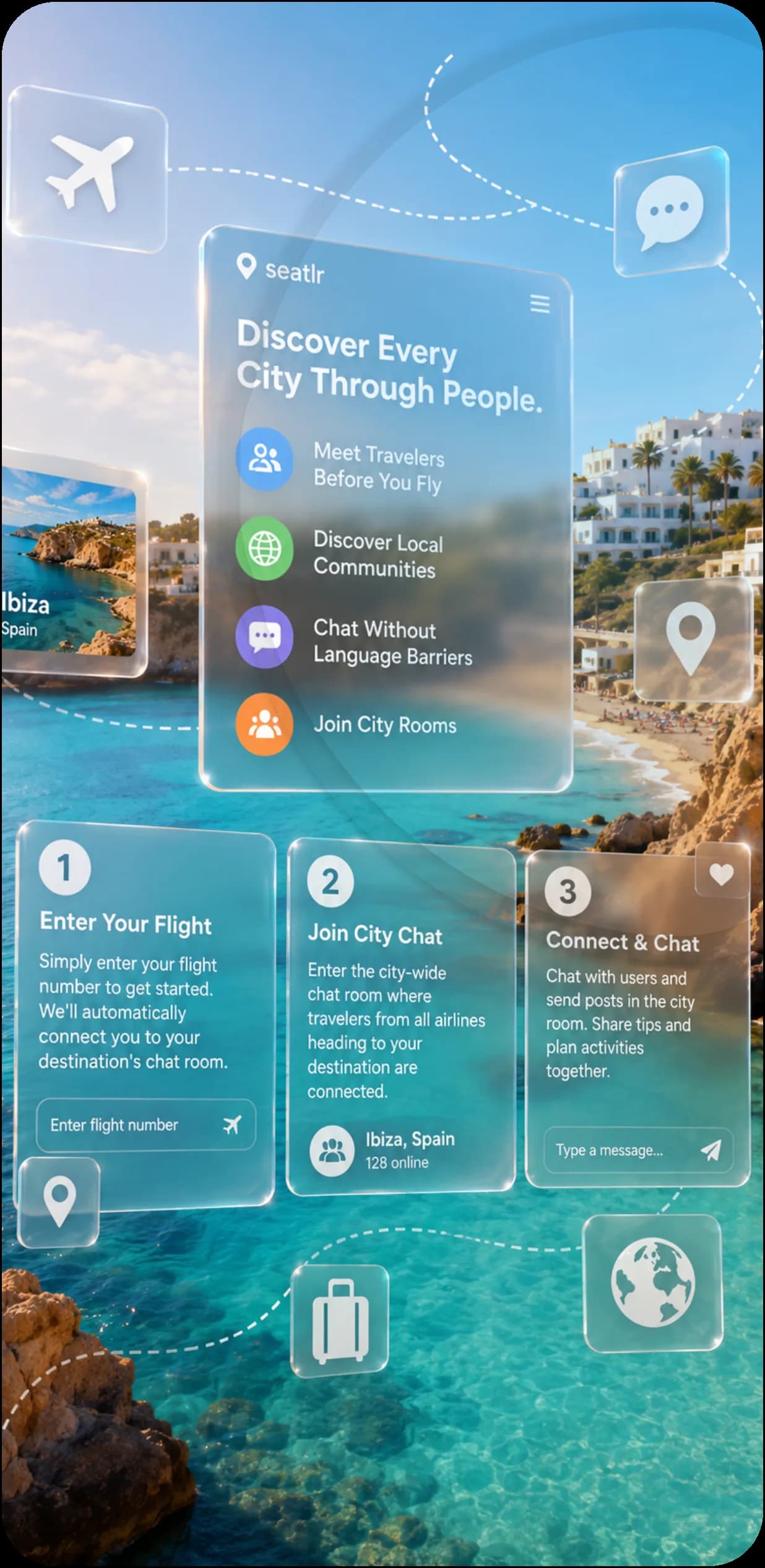
Only three steps separate you from connecting with everyone who shares your destination.
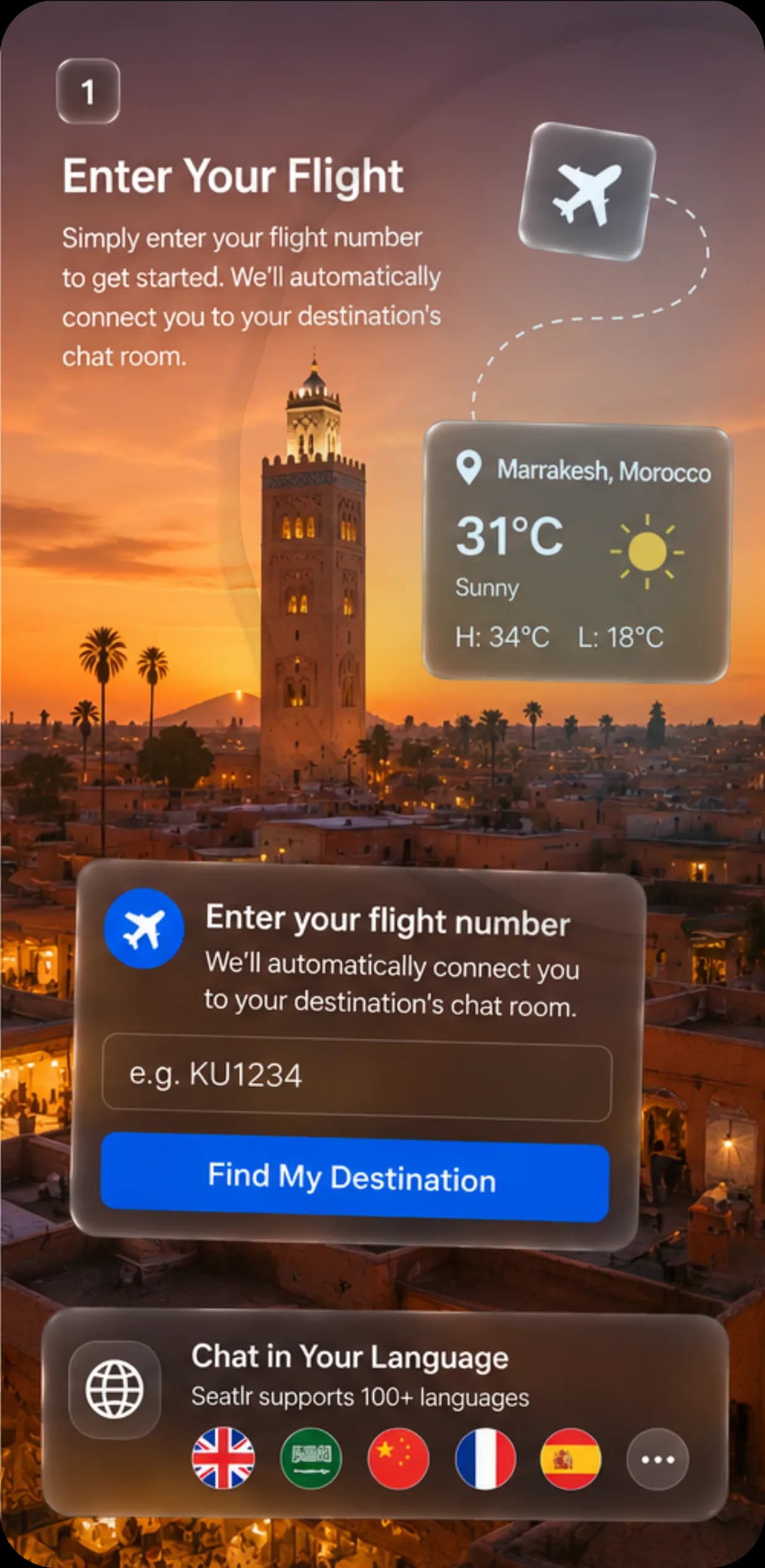
Enter your flight number
Just enter your flight number and we'll connect you to your destination's chat room automatically.
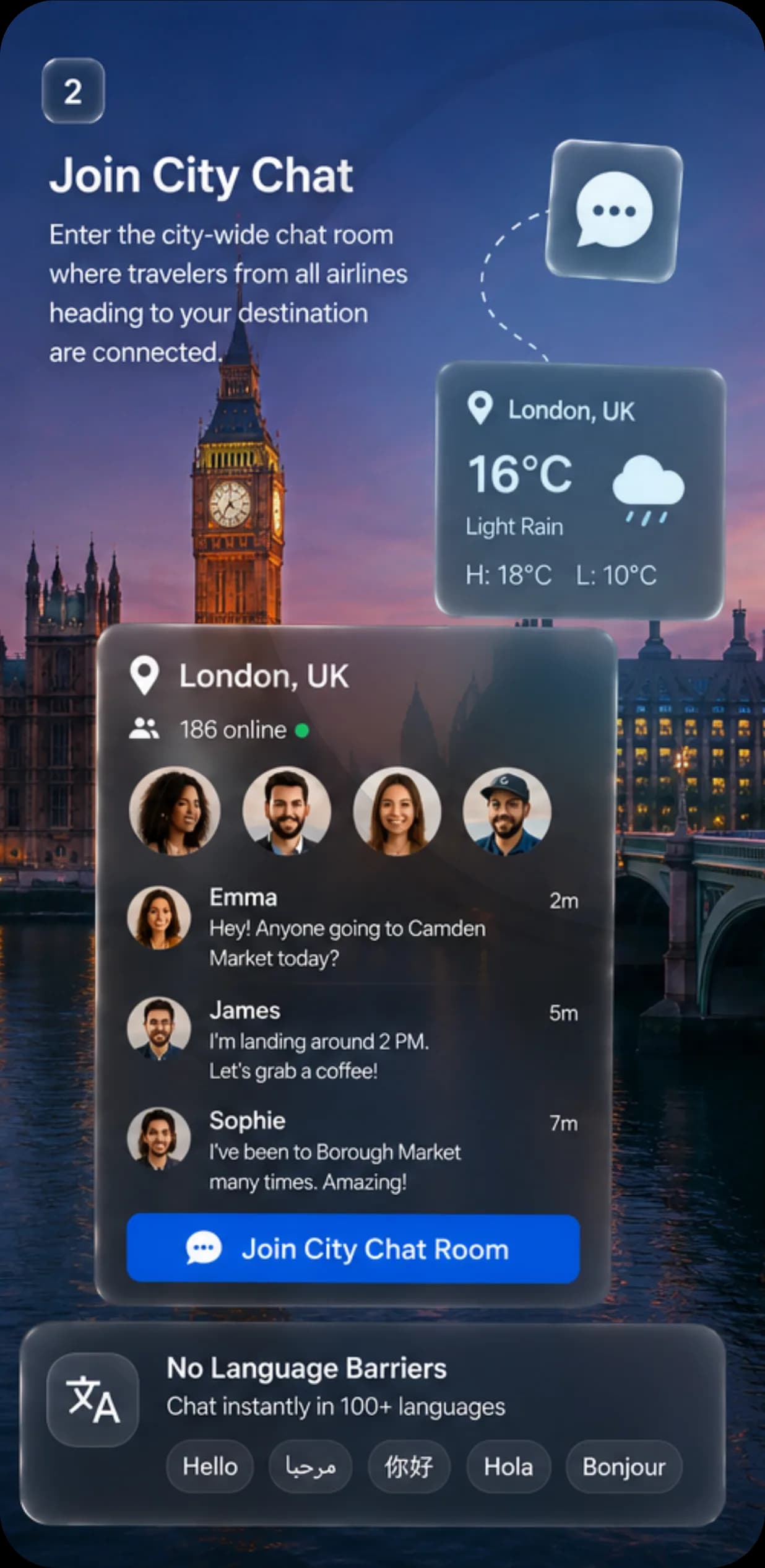
Join your city room
One room brings together all travelers heading to the same city, regardless of airline.
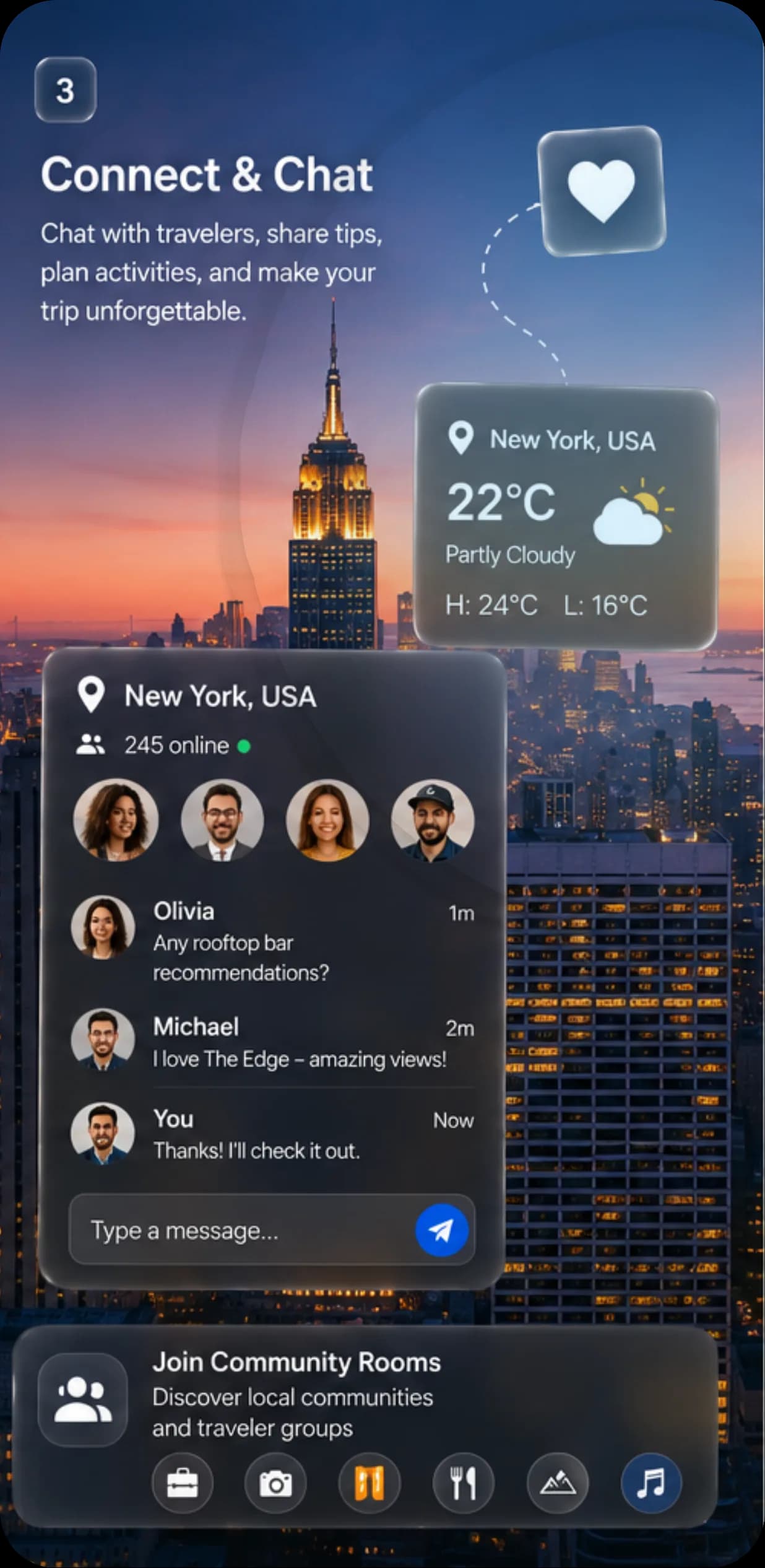
Connect and plan
Exchange tips, share posts, and plan your activities with fellow travelers.
You're not alone on this trip — meet those who share your destination
Seatlr is a real social network for travelers: the moment you enter your city room, you see a list of everyone online right now — from your flight or other flights heading to the same destination — and exchange tips on hotels, bookings and places to visit before you arrive.
Your personal guide before you set foot in the country
AI makes your trip easier, giving you advice in your language about the country's laws, culture, and the places worth visiting.
- 🚫 Chewing gum — selling or littering it is illegal and fined
- 🚬 Smoking outside designated areas carries an on-the-spot fine
Alerts that protect you before you arrive
We monitor your destination and send you scheduled updates several times a day with anything worth your attention, so you can rearrange flights and hotel bookings in time.
Crowds gathering around Shibuya; avoid the area until 6 PM.
A slight rise in seasonal flu cases; masks recommended in crowded places.
Metro staff strike from 7 AM to 2 PM; plan alternative transport.
Thunderstorm expected this afternoon; some flights may be delayed.
Features that make travel social and safe
From the moment you land to the last day of your trip, Seatlr is with you every step of the way.
Your city room
Meet everyone traveling to your destination, regardless of their flight or airline.
Smart travel assistant
Instant advice on laws, customs and the best places — in your language, completely free.
Auto-delete within 24 hours
All messages are permanently deleted after one day, with no copies kept on our side.
Multi-airline support
Whatever your airline, you join the same destination room as everyone else.
59 languages supported
The app's interface in your native language, with instant chat translation.
Privacy first
Use a nickname and choose what you share, with full control over your settings.
Private conversations
Move from the public room to a one-on-one chat in a single tap.
Always speak your native language
59 languages supported by advanced AI, at no extra cost.
Seatlr: a social network built for travelers
Seatlr is a social platform dedicated to travelers worldwide, bringing them together in one city room regardless of airline or booking date. We believe the best recommendations for hotels, restaurants and attractions come from real travelers living the experience with you moment by moment — that's why we built an AI assistant and alerts, refreshed throughout the day, that accompany you from the moment you book until you're back home.
Read our full storyEverything you need to know about Seatlr
Didn't find your answer? Our team is ready to help through the contact page.
What is this app about?+
Is the translation feature free?+
How do I join a city room?+
Can I delete my account?+
I forgot my password. What do I do?+
How does the smart assistant work?+
How can I contact support or learn more about the team?+
Is my data safe?+
How much does it cost?+
Have a question? We'd love to hear it
Send us your message and our team will get back to you as soon as possible.
Contact information
We're here to help you anytime.
Ready to connect from anywhere, anytime?
Join millions of travelers worldwide, with a smart assistant and alerts accompanying you every step of the way.
Coming soon to Huawei AppGallery